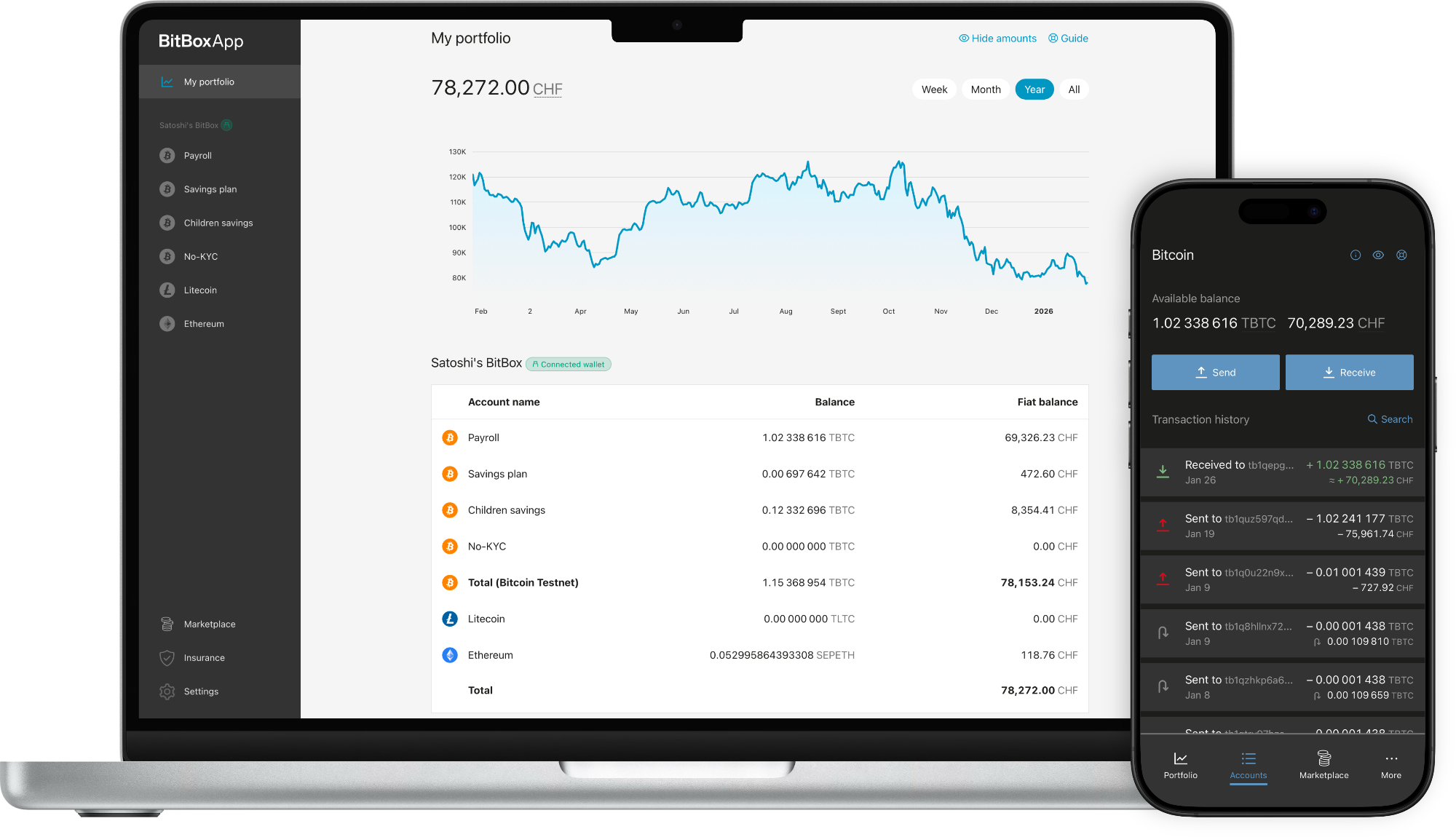
BitBoxApp (4.52.0)
The BitBoxApp is not yet available for ChromeOS devices.
Learn more.
The BitBoxApp is not yet available for BSD devices.
Learn more.
 BitBoxApp Apple App Store
*Only for BitBox02 Nova.
 BitBoxApp Android Google Play Store
Linux
BitBoxApp Apple App Store
BitBoxApp Android Google Play Store
Linux
BitBoxApp Apple App Store
*Only for BitBox02 Nova.
BitBoxApp Android Google Play Store
 Or download the APK from our GitHub release.
BitBoxApp Android GitHub
Or download the APK from our GitHub release.
BitBoxApp Android GitHub
Learn what's new in our latest updates.
SHA-256 checksums
Windows: ab7db80c5547c559b0cc0c9487a26dd1e9916d3390130c2e14355e3cc66abb56
macOS: fc3e13bf8aedf2df375a4d63a8b8af38651b70835be691928e6b796156c4809d
Ubuntu / Debian: eab843ac381a93e34a68511d886c6e054ac8dac0404dd31031c018c42a336f0a
Fedora: 057ce18bca16cfd40d4f00dcc04e7908373660d78a746407d9572399313af52f
AppImage: 2f963f03c76a9757601a487bf36549468efe5d513c350362fb437dee61005990
APK: b732d57fd318b381274791e499073d7a5b4e4adc00860b6ae2189562985ab608
Note: To verify if the checksum is correct, calculate the checksum on the downloaded file (zip, exe, deb, rpm, AppImage, APK) before uncompressing.