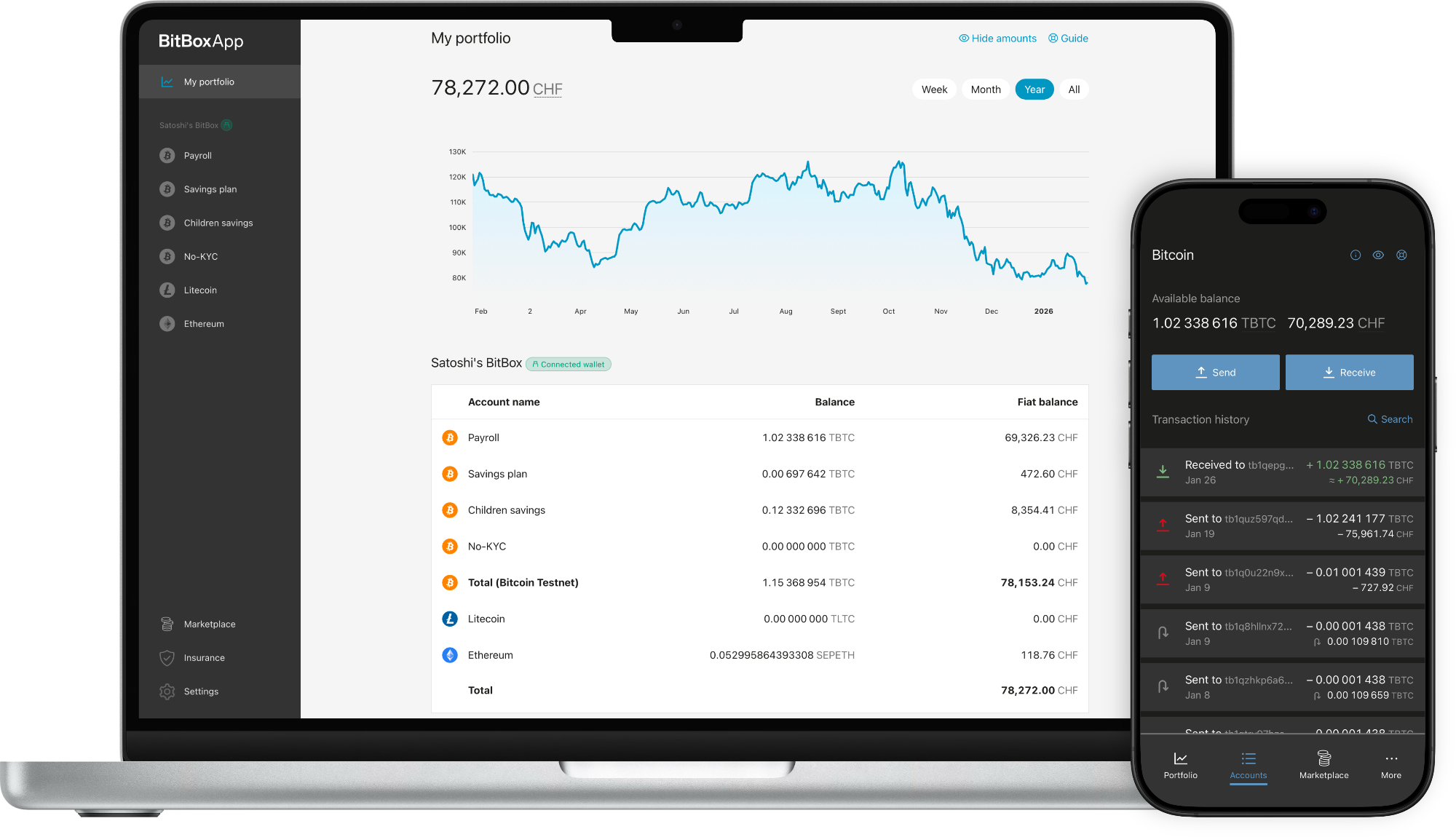
BitBoxApp (4.51.3)
The BitBoxApp is not yet available for ChromeOS devices.
Learn more.
The BitBoxApp is not yet available for BSD devices.
Learn more.
 BitBoxApp Apple App Store
*Only for BitBox02 Nova.
 BitBoxApp Android Google Play Store
Linux
BitBoxApp Apple App Store
BitBoxApp Android Google Play Store
Linux
BitBoxApp Apple App Store
*Only for BitBox02 Nova.
BitBoxApp Android Google Play Store
 Or download the APK from our GitHub release.
BitBoxApp Android GitHub
Or download the APK from our GitHub release.
BitBoxApp Android GitHub
Learn what's new in our latest updates.
SHA-256 checksums
Windows: 209b69a8d0406ba919c3069ca0b36d433cc12b747398cf8e3b5332914ff2ebdf
macOS: cbc6c336a20a91d01fe530a966a130e6c1452ac01269134917d0d1d207044f30
Ubuntu / Debian: ed8be8d0c58571f01e7c6d3cc63438b4fd6d8d4000acf1b50208f8fe34eff984
Fedora: bc4889b73873bc97380dd3e91ab034cb3d8be4a20be7a75bd3635e0163ea97d5
AppImage: b336263fb66ece1b17f0a22e42f5e565f4bb788ce30575d546ef5435bd502e9a
APK: eaf38ad69f72ec01caedbca6937791d055a1d0325508a7b9c8562c4d8b890f93
Note: To verify if the checksum is correct, calculate the checksum on the downloaded file (zip, exe, deb, rpm, AppImage, APK) before uncompressing.