BitBoxApp (4.53.0)
The BitBoxApp is not yet available for ChromeOS devices.
Learn more.
The BitBoxApp is not yet available for BSD devices.
Learn more.
 BitBoxApp Apple App Store
*Only for BitBox02 Nova.
 BitBoxApp Android Google Play Store
Linux
BitBoxApp Apple App Store
*Only for BitBox02 Nova.
BitBoxApp Android Google Play Store
 Or download the APK from our GitHub release.
BitBoxApp Android GitHub
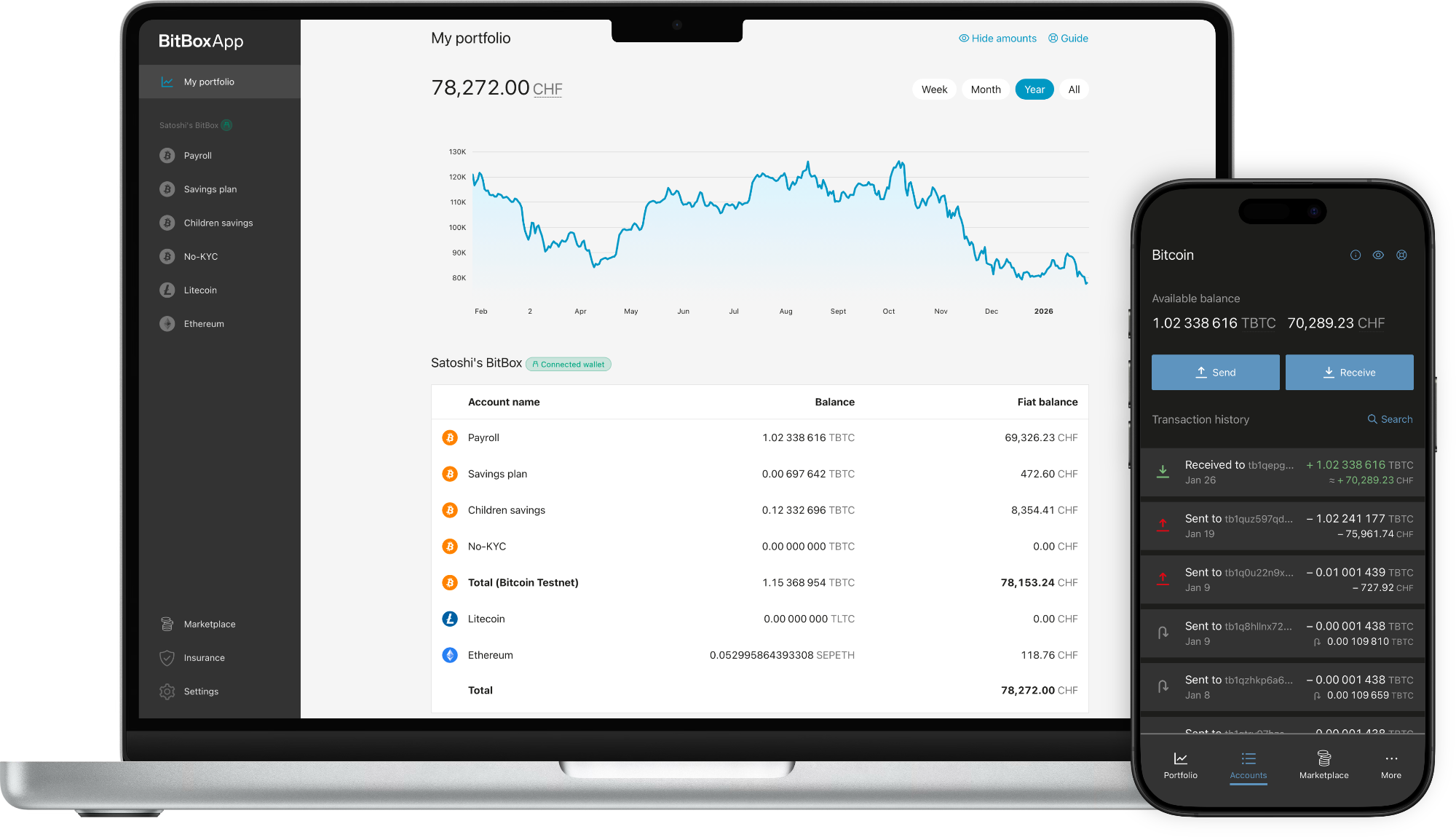
Learn what's new in our latest updates.
SHA-256 checksums
Windows: 9f001414d747c80f43ae2897668bac2bc9f4b8c967a5825f1a09035e782656f2
macOS: add5933b807fde91b6d7a8c24f9cc7f176e5e64d8b4826b55715c9a26156443b
Ubuntu / Debian: 8e284cf9a5a826a1af16d34c11142aaafe5d23b6b2ce51b182760ebc3965287a
Fedora: 8abaf6c08c2bd63e86e8a99c82cfff5b88aacb6f9d44a15be0626f9a8d1ccd3d
AppImage: a2bebc2584eff6f2a0454950b51150bc41ce3526f3a5fd5cc9475518bca961c1
APK: 056130f271e5283e2732d4377904708773a3e5c2820be14fe28bd6b32f902216
Note: To verify if the checksum is correct, calculate the checksum on the downloaded file (zip, exe, deb, rpm, AppImage, APK) before uncompressing.